Learn how to manage patient information and analyse clinical data with RadarOpus - your fully-fledged practice management tool.
Create and Save a Patient File
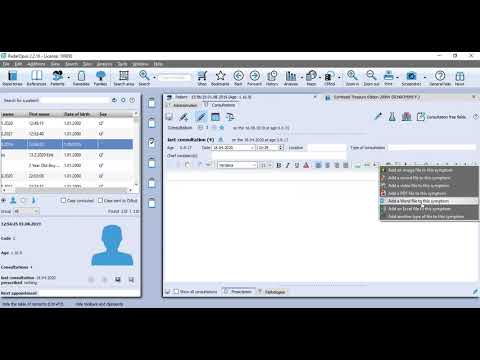
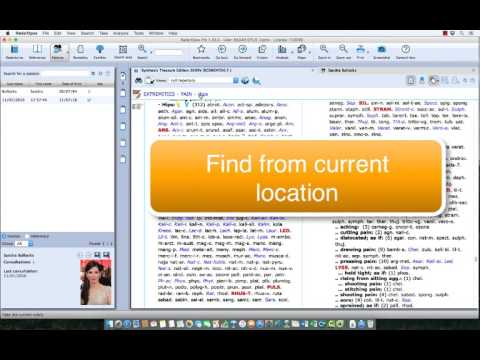
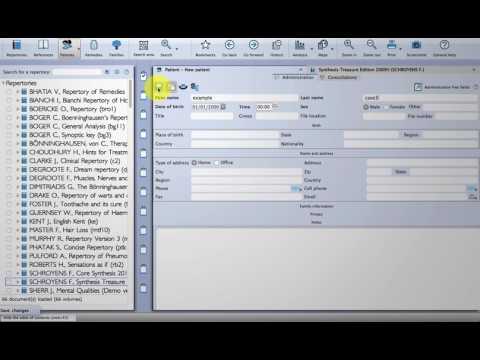
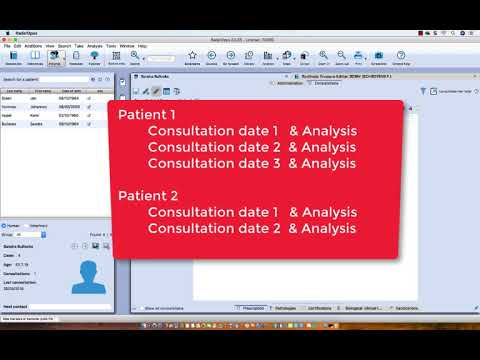
This Quick Start Video will show you how to create and save your Patient's consultation notes and Analyses all in one secure location.
Overview of the Patient file in RadarOpus
Learn how to
Create a new patient, or recall an existing patient
Save the symptom clipboards to the consultation
Evaluate the prescription
Research
and more
In-depth guide to the Patient File
Learn how to
Support your clinical practice.
Add, save and edit Consultations.
Tag symptoms and add intensity.
Enter the Prescription and evaluate the patient's response.
Auditing your patients in RadarOpus
Get an overview of your practice with our new visual charts which provide statistical feedback on patients, pathology and prescriptions.
No results found!
Please try changing the language and/or search.
Intro to RadarOpus v3.3 + Live Q&A (Feb 2024)
A look at some new features in our latest version plus some user's questions answered by Luke Norland. Part of a monthly series of Q&A sessions to enhance your practice of RadarOpus.
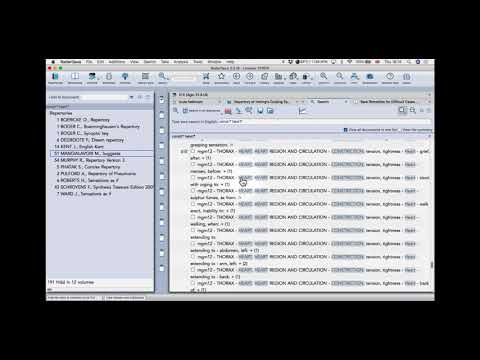
Il Repertorio informatico dalla A alla Z: Corso base per l'utilizzo di RadarOpus: Lezione 3: La cartella clinica
Il Repertorio informatico dalla A alla Z: Corso base per l'utilizzo di RadarOpus: Lezione 6: CliFiCol (Clinical File Collection)
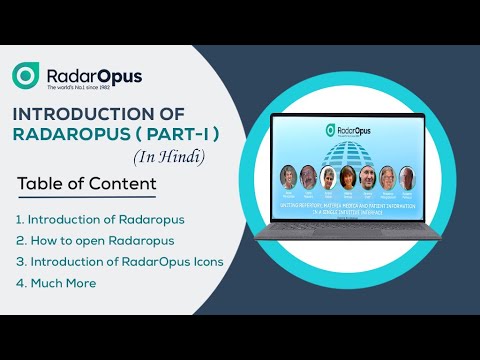
INTRODUCTION (VIDEO-1, हिंदी)
In this video, we will focus on the following topics:
In this video, we will focus on the following topics:
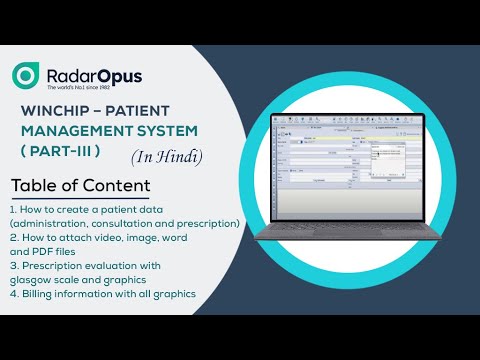
How to create a patient data (administration, consultation and prescription)
How to attach video, image, word and PDF files
Prescription evaluation with glasgow scale and graphics
Billing information with all graphics
Part 2: Build Repertory Skills by Studying Cured Cases
In this session we will study and 'reverse engineer' cured cases from historical literature. This approach will help us better understand the thinking of Master homeopaths and improve our own analysis and prescribing skills. Covered topics will include the use of pathological rubrics, individualizing symptoms, researching differentials, and remedy repetition.
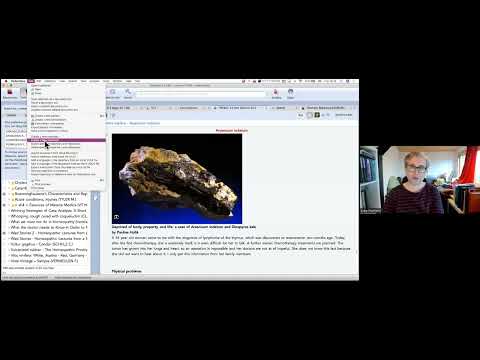
RadarOpus hasta dosyasına resim ,video, bilgi verileri ekleme
Hastam epilepsi nöbeti geçirirken çekilen videosunu, elindeki egzemanın görüntüsünü bana yollarsa bunu dosyasına ekleyebilir miyim? Elbette:)
Secrets, tips and tricks on gaining RadarOpus mastery!
Learn how to streamline the workflow in RadarOpus to suit you & discover how to work with optimal flexibility when analyzing a case. Watch this recorded webinar to learn tips and tricks from 2 RadarOpus master magicians, Frederik Schroyens and Luke Norland.
Quick Start Video 3 - Create and Save a Patient File
This Quick Start Video will show you how to create and save your Patients consultation notes and Analyses all in one secure location.
Inhaltsverzeichnis
Beginner: Patient Management System with Luke Norland
Patient File Training w: Luke Norland
Patient Management System with Luke Norland
Inducción al uso de RadarOpus - Software de Homeopatía
Origen de RadarOpus - Software de Homeopatía Porque RadarOpus, las principales ventanas Explicación de la interface del RadarOpus:
a) Repertorios
b) Materia Médica
C) Pacientes
D) Remedios
E) Familias Ayuda en línea como acceder a Live Support.
Repertorio Synthesis explicación del manejo de idiomas.
Como repertorizar Nuevas configuraciones
Aspectos Fundamentales de Winchip, Fichero de Paciente
Conoce las principales funciones de Winchip en RadarOpus.
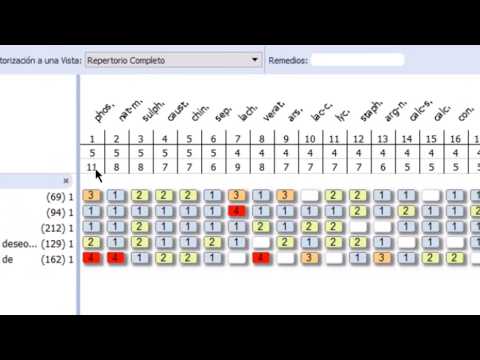
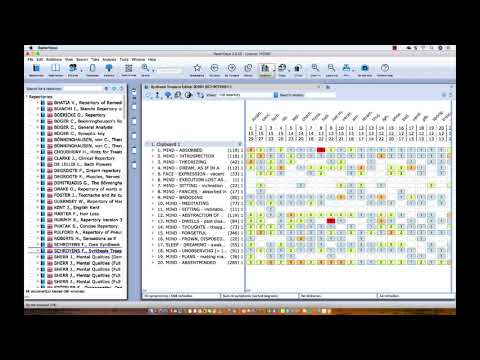
In diesem Tutorial werden verschiedene Funktionen der Analyse bzw. Repertorisation gezeigt. Symptome bewerten (Faktor/Gewichtung/Unterstreichung), Sortieren der Symptomenablage, Umbennen von Symptomenablagen, verschiedene Methoden / Strategien aufrufen.
Dr Frederik Schroyens - RadarOpus Training - JAHC Webinar 2020
Master RadarOpus Homeopathic Software in this 80 minute training session with none other than Dr Frederik Schroyens - editor of Synthesis Repertory and Head of the Scientific team at RadarOpus. Learn how and why you should make additions + Learn new ways of interpreting and analyzing a case. Frederik deftly explains the different ways of analyzing and interpreting patient information, including some contemporary methods. He will show how these different approaches can be performed easily in RadarOpus.
Intro to RadarOpus - Full 50 minute Webinar
This introduction to the features and content of RadarOpus will guide you in understanding the layout and core functionality of the Homeopathic software of choice for many professionals across the globe. From securely storing patient data, to searching for symptoms, repertorising and analysing a case. You will learn how to navigate through the program using the tabbed layout, as well as looking up symptoms in multiple repertories, keynotes and materia medica from a vast array of different authors from both the classical and contemporary eras.
Radaropus in der täglichen Praxis - Webinar mit Dr. Frederik Schroyens
Radaropus in der täglichen Praxis. In diesem Webinar stellt Dr. Schroyens verschiedene Funktionen des Programms vor, die Ihre Arbeit mit dem Repertorisieren erleichtern.
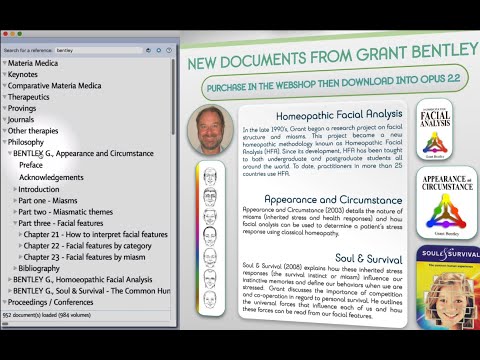
Grant Bentley documents
Learn Homeopathic Facial Analysis and incorporate this Miasmatic Tool in your practice. Read about the methodology, study photographic evidence, limit your Analysis to each Miasm & use the interactive Map.
Using the Patient file
This video shows a complete overview of the workflow of the patient file RadarOpus. - Create a new patient, or recall an existing patient - Save the symptom clipboards to the consultation - Evaluate the prescription - Research and more.
Auditing your patients in RadarOpus
Get an overview of your practice with our new visual charts which provide statistical feedback on patients, pathology and prescriptions. Learn how to search within the patient file and export your findings to an Excel document. You can search for symptoms, intensity, pathology and many other criteria
Edit the Patient File after saving
Learn how to make alterations to the Patient File after you've saved it.
E.G, amend the date and add the prescription later.
The Patient File in RadarOpus
Learn how to use the Patient File in greater depth to support your case-load. Add, save and edit Consultations. Tag symptoms and add intensity. Enter the Prescription and evaluate the patient's response.
Saving cases, patients and learning shortcuts in RadarOpus
How to change settings to suit your workflow. Learn some good shortcuts, and save your patient data with consultation notes and analysis all in the same location.
The patient file basics
This tutorial covers the first steps how to work with the patient file. It shows how the symptom clipboards are save automatically.
Save clipboards to the patient file (manually)
This tutorial show how to save manually the set of clipboards (the analysis) to the patient file: to a new patient or an existing patient.
The Patient File in RadarOpus
Learn how to use the Patient File in greater depth to support your case-load. Add, save and edit Consultations. Tag symptoms and add intensity. Enter the Prescription and evaluate the patient's response.
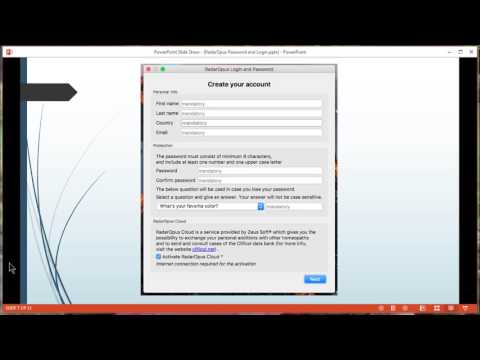
The what and why of the RadarOpus Password and login
RadarOpus 2.0 offers you the possibility to protect your patient information with a login and password. In two steps you can create an account which will also give you access to the RadarOpus Cloud technology.
Save and recall clipboards (outside of the patient file)
This tutorial shows how to save and recall clipboards (outside of the patient file). And also how to export the analysis to send to an other RadarOpus user. There are several ways to save the symptom clipboards.
See also the tutorial how to save the symptom clipboards to the patient file.